
When utilized for the right reasons, flashbacks can be one of the most powerful storytelling tools available to screenwriters. Flashbacks can reveal crucial backstory, deepen character motivations, provide additional context, and deliver information that impacts the present-day narrative of your cinematic stories.
However, flashbacks are also one of the most commonly misunderstood formatting elements in screenwriting. Thankfully, formatting flashbacks is fairly simple. The key component is to ensure that the formatting is clear, precise, and easy to spot while reading.
Here is a simple breakdown of how to format a flashback in your screenplays.
What Is a Flashback?
A flashback is a scene, sequence, or brief moment in your story that takes the audience away from the present timeline into a moment of the past. Flashbacks allow screenwriters to show events or moments that occurred before the main narrative, usually revealing information that helps audiences better understand a character, relationship, plot point, or mystery unfolding in the present narrative. These could include:
- Sharing a traumatic event that continues to haunt the protagonist.
- Showing the moment two characters first met.
- Explaining a pivotal event that affects the present timeline.
- Providing a clue that changes the audience's understanding of the story or a character.
- Uncovering pieces of the past in a stylistic manner.
A flashback can last for a quarter of a script page, multiple pages, multiple scenes, or just a few seconds of screentime. The goal for whatever type of flashback you write should always be to temporarily transport the audience into the past for a character-related or story-related purpose.
When Not to Use Flashbacks
The biggest mistake most screenwriters make with flashbacks is using them purely for exposition dumps. Flashbacks can easily become crutches for screenwriters to explain backstories and deliver information. While flashbacks can be used for exposition and information dumps, the best ones do much more.
- They add more emotional weight to a character or storyline.
- They deepen character development.
- They tease later reveals and twists.
Screenwriters should avoid using flashbacks as a shortcut for conveying information that can and should be conveyed more effectively through character actions, reactions, choices, and more engaging dialogue. When you use flashbacks as a shortcut or crutch, you slow the script's flow and pacing to a halt. Avoid that trap while also knowing that many of the greatest screenplays, movies, and television shows have used flashbacks in very, very effective ways that fundamentally change how audiences understand the story unfolding in the present timeline.
Best Cinematic Examples of How to Use Flashbacks Correctly
The TV series Lost was masterful at using the flashback, and later the flash-forward and flash-sideways, as a structural device. The present-day sequences always introduced thematic and character-driven elements to the story, then used flashbacks to accentuate those themes and character arcs. The episodes didn't just shift to a simple flashback to explain something. The flashbacks were organically shifted into and out of the present-day story, always book-ended by a question raised and answered, and later applied to the present-day events upon the narrative's return to that timeline.
For movies, here are ten classics that use flashback scenes effectively:
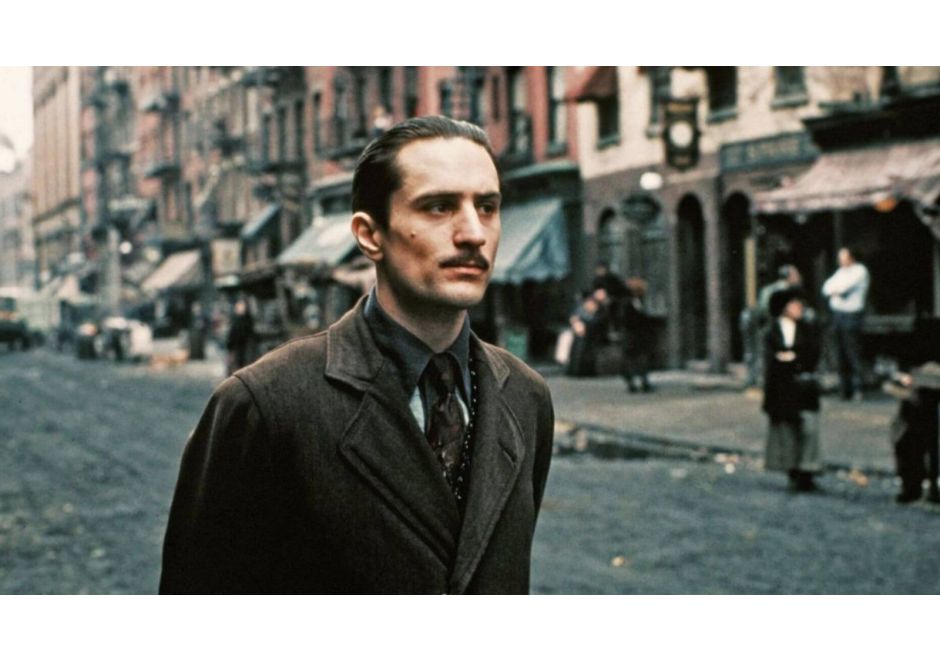
- The Godfather Part II (1974) — Often considered the gold standard for the usage of flashbacks. The film alternates between Michael Corleone's present-day struggles and Vito Corleone's rise to power in the past. The flashbacks create a direct thematic comparison between father and son.
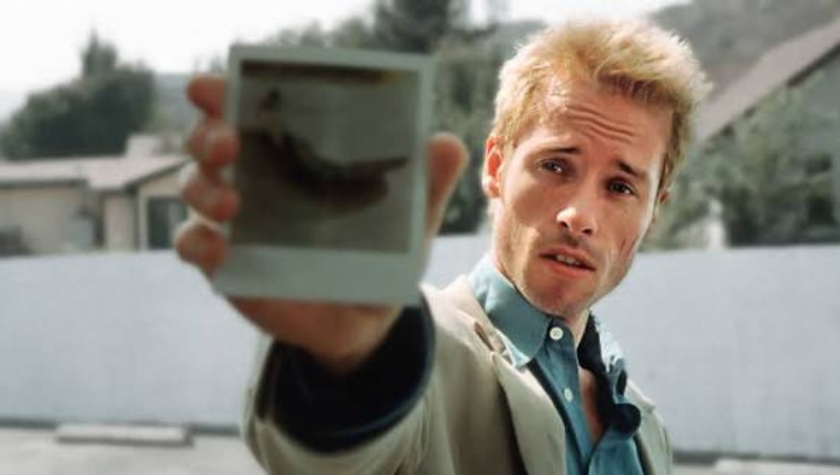
- Memento (2000) — The script uses flashbacks as the movie's structure. The audience experiences memories and revelations in fragmented pieces, mirroring the protagonist's condition. It's perhaps the most creative use of flashbacks.
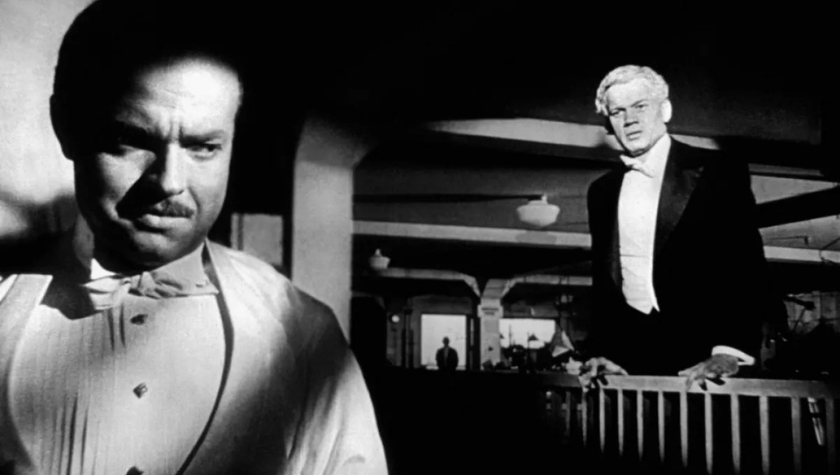
- Citizen Kane (1941) — A reporter investigates Kane's life through a series of recollections from different people. The flashbacks create an unreliable mosaic of who Kane really was.
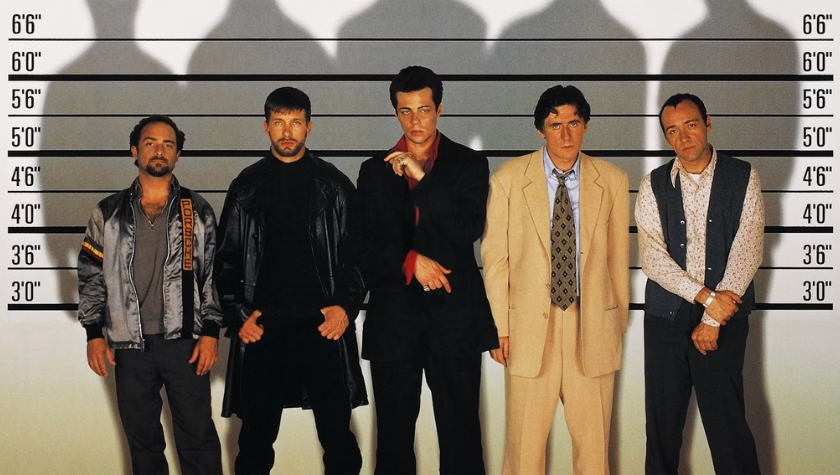
- The Usual Suspects (1995) — Most of the movie is told through flashbacks.
- Goodfellas (1990) — The film opens in the middle of the story, then flashes back to Henry Hill's youth. The flashback structure allows the audience to experience his rise and fall.
- Forrest Gump (1994) — The entire story is framed through Forrest recounting his life to strangers at a bus stop.
- Titanic (1997) — An elderly Rose recounts the voyage of the Titanic. The flashback framework creates dramatic irony because audiences know the ship's fate before the story begins.
- Slumdog Millionaire (2008) — Each question on the game show triggers a flashback revealing how Jamal learned the answer. The flashbacks are integral to the plot rather than just supplemental exposition.
- The Shawshank Redemption (1994) — The movie uses flashbacks sparingly, but each one carries significant emotional and narrative weight.
- The Notebook (2004) — A perfect example for screenwriters writing romance. The flashbacks gradually reveal the love story while the present-day storyline adds emotional stakes.
How to Format Flashbacks in Screenplays
Formatting flashbacks is fairly simple, and there are a few options you can use. The most important thing to remember is to use the basic screenplay format to write flashbacks.
Utilize Standard Basic Screenplay Format
The purpose of the industry-wide standard screenwriting format is to communicate a cinematic story in a common, easy-to-envision language. For feature screenplays, this involves five formatting elements:
- Scene Heading
- Action
- Character Name
- Parentheticals
- Dialogue
We break down all of the screenplay elements in detail here.
Those five elements are all you need to write and properly format a script. And, more specifically, they are all you need to format a flashback in your screenplay.
Flashback Formatting Example #1
The basic standard screenplay formula should always be utilized with any scene you write, including flashbacks. The only element you add for flashback scenes or sequences (multiple scenes) is a visual cue indicating that what follows is a flashback. Here's the first (and most simple) example.
FLASHBACK:

INT. CAR WRECK - NIGHT

Henry lies pinned within the driver's seat. The dashboard pushes into
his chest. Broken glass from the windshield all over the place.

Rain from outside pours into the car.

EXT. CAR WRECK - NIGHT

Someone watches from the above highway. IT'S SARAH! She's the one who
used her car to push Henry off of the road.

END FLASHBACK
The only additional elements beyond normal screenplay format are the use of FLASHBACK: and END FLASHBACK to dictate when a flashback starts (FLASHBACK:) and when that flashback ends (END FLASHBACK).
If you want the flashback stamp to stand out more, you can underline it if you'd like.
Flashback Formatting Example #2
Here is the same scene, with perhaps the biggest difference in flashback formatting.
INT. CAR WRECK - FLASHBACK - NIGHT

Henry lies pinned within the driver's seat. The dashboard pushes into
his chest. Broken glass from the windshield all over the place.

Rain from outside pours into the car.

EXT. CAR WRECK - FLASHBACK - NIGHT

Someone watches from the above highway. IT'S SARAH! She's the one who
used her car to push Henry off the road.

END FLASHBACK
Instead of using the action line and CAPS to tell the script reader that a flashback is starting, we've used the Scene Heading section, adding FLASHBACK to the location, with dashes on both sides.
This approach can be very effective because script readers often slow down a bit to pay closer attention to scene headings. When they see FLASHBACK in the scene headings, it's a quick indicator of what is to come in that scene.
But you always want to make sure you write "END FLASHBACK" so the script reader knows the flashback scene or sequence is over.
Flashback Formatting Example #3
FLASHBACK:

INT. CAR WRECK - NIGHT

Henry lies pinned within the driver's seat. The dashboard pushes into
his chest. Broken glass from the windshield all over the place.

Rain from outside pours into the car.

EXT. CAR WRECK - NIGHT

Someone watches from the above highway. IT'S SARAH! She's the one who
used her car to push Henry off the road.

END FLASHBACK
The only change from the first example is that we've put the whole flashback in italics. This is an effective stylistic choice to ensure there's sufficient differentiation between regular and flashback scenes. It's something that a lot of script readers love nowadays. Why? Because you're helping them have a better reading experience.
You could also do the same with the second example that uses the Scene Heading. Either way, it's a great and easy format to follow.
Quick Imagery Flashbacks
In some cases, there's only a flash of a memory to communicate. It may be a character, location, prop, or memory from earlier in the script. If that image has already been established, and the intention is to use a snippet of that past scene as a quick or flashing image, you can utilize the scene description to explain what is seen.
Quick Imagery Flashback Example #1
INT. CAR - NIGHT

Henry drives as Sarah sits in the passenger seat. They're in a happy
place together.

She smiles flirtatiously and then turns her head away.

Henry's face grimaces in pain. It's a memory. A flashback.

WE SEE A FLASH OF SARAH STANDING ON THE HIGHWAY ABOVE HENRY'S WRECKED
CAR THOSE MANY YEARS AGO!
We used no FLASHBACK flags beyond what's in the scene description. Instead, we're calling back to a previous scene.
From a production standpoint, they don't need that mini-flashback on the shooting schedule. They can simply take the footage from the original shot. If the quick imagery flash included visuals not already shown in the script, production would require it to be featured in its own Scene Heading/Scene. Then you would need to utilize one of the flashback formats above.
That's All You Need to Format Flashbacks in Your Screenplays
See, it's simple. Any screenwriter can format a flashback with ease using the guidelines and breakdown above. Just be sure that you're using flashbacks for the right reasons, and that you're catapulting the audience into the past for a good reason.