Home  >  Products  >  Mobile  >  Final Draft Reader app  > 

Final Draft Reader® app for iPad and iPhone

The Final Draft Reader app is perfect for actors, agents, managers, and anyone who wants to read Final Draft scripts on their iPad and iPhone. Easily open your Final Draft version 8 (FDX) scripts in the Final Draft Reader app to read and make notes on the go, anytime, anywhere.

If you want to write and edit on the go, check out the Final Draft Writer app for the iPad.

The Final Draft Reader app is a game changer. Now I can travel with just my iPad.

Greg Coolidge – Writer / Director / Producer
Employee of the Month, The Troop...

Final Draft Scripts, Anytime, Anywhere

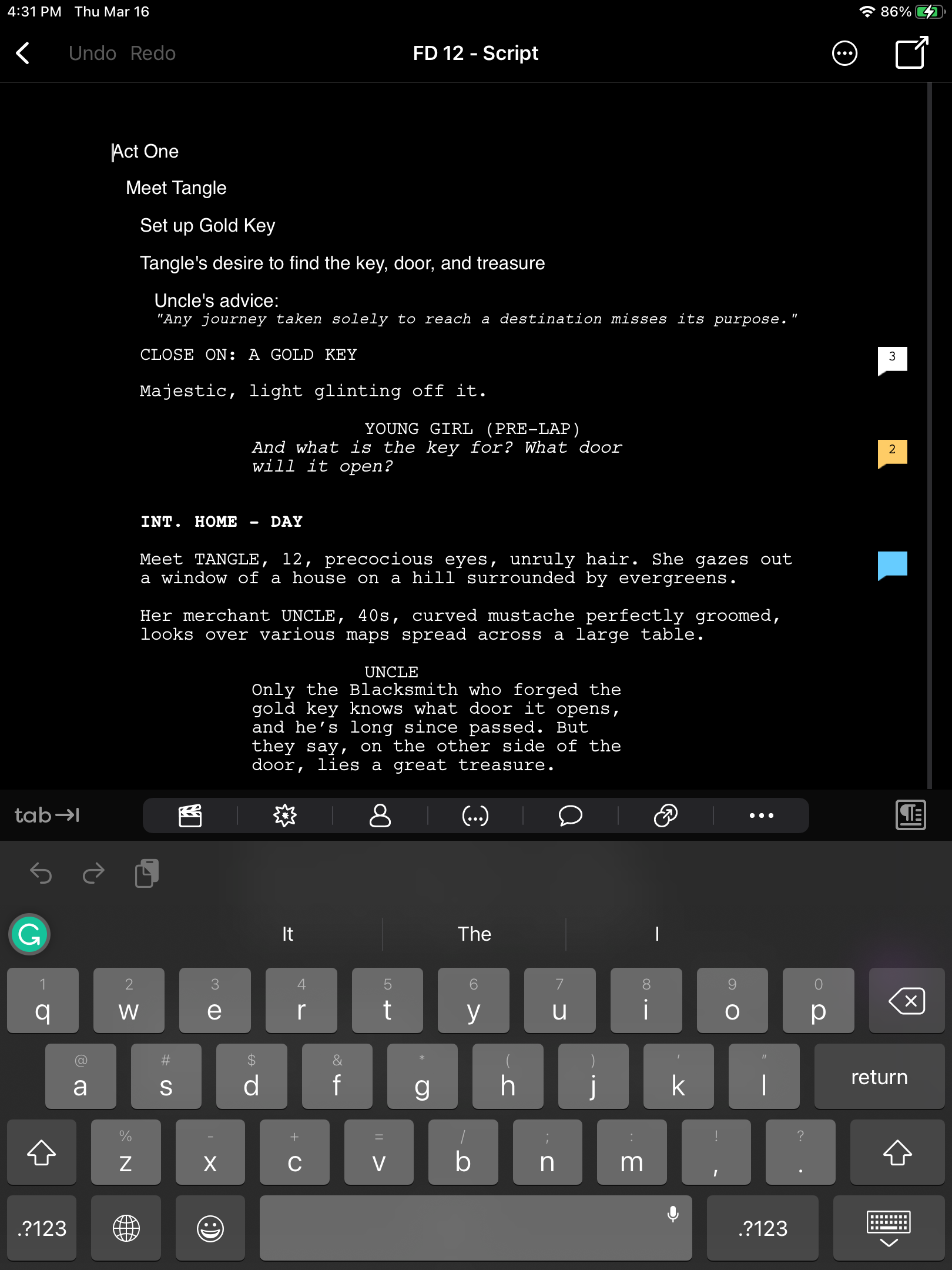
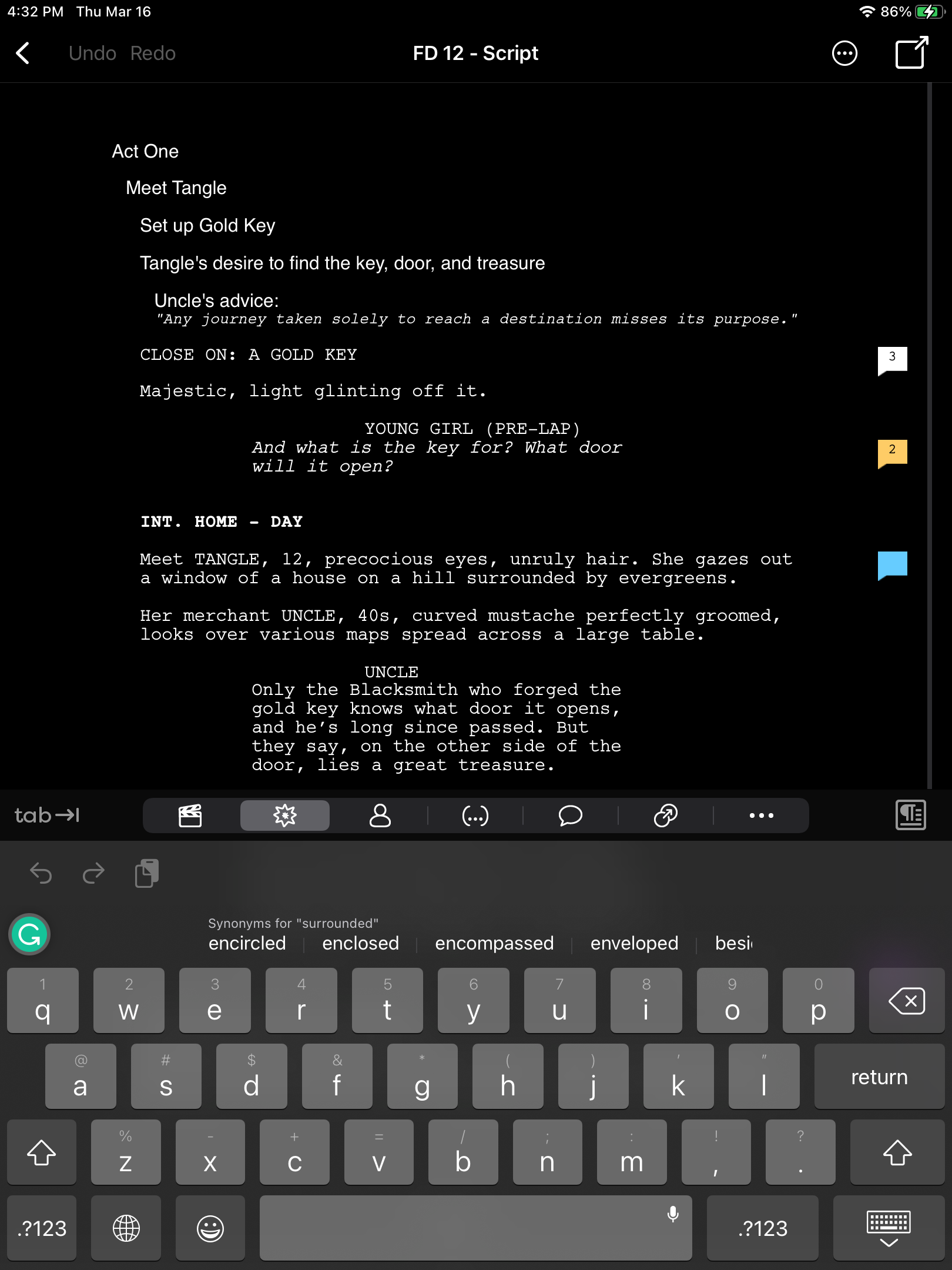
The Final Draft Reader app leverages the ScriptNotes feature found in the Final Draft desktop application. With ScriptNotes, you can easily add, edit and categorize notes right on your iPad and iPhone. All edits and additions will be maintained when you bring your script back into Final Draft desktop.

Use ScriptNotes just like you would
in Final Draft 8.

Read and make notes on the go

  • Perfectly paginates to US Letter and standard European (A4) page sizes
  • Organize your notes with ScriptNote reporting tool
  • Search your entire script for characters, locations, or other script elements
  • Automatic bookmarking feature ensures that you pick up right where you left off

Working on set just got easier

  • Character Highlighting allows you to highlight dialogue for one or multiple characters for table reads or auditions
  • Precisely displays production scripts, including colored production pages, locked pages, scene numbering, and more!
  • Multi-page Title Pages are supported for TV production scripts
Reading production scripts on set was never easier.
ScriptList lets you view, reorder and organize all your scripts.

Transfer scripts from your desktop or cloud

  • Import and export scripts using email or Dropbox
  • Print wirelessly with AirPrint*
  • Scripts written in 14 different languages appear exactly as they do in the desktop application

Scripts at your fingertips

  • iPhone Page View shows 100% accurate Final Draft pagination, formatting, and line breaking
  • iPhone Reader View provides a convenient, reader-friendly view
Page View and Reader View provide you with convenient ways to view and read a script.

Final Draft Reader app — FAQs

Where can I get the Final Draft Reader for iPad and iPhone?

The Final Draft Reader is available only though the App Store.

How do I get my script into the Final Draft Reader?

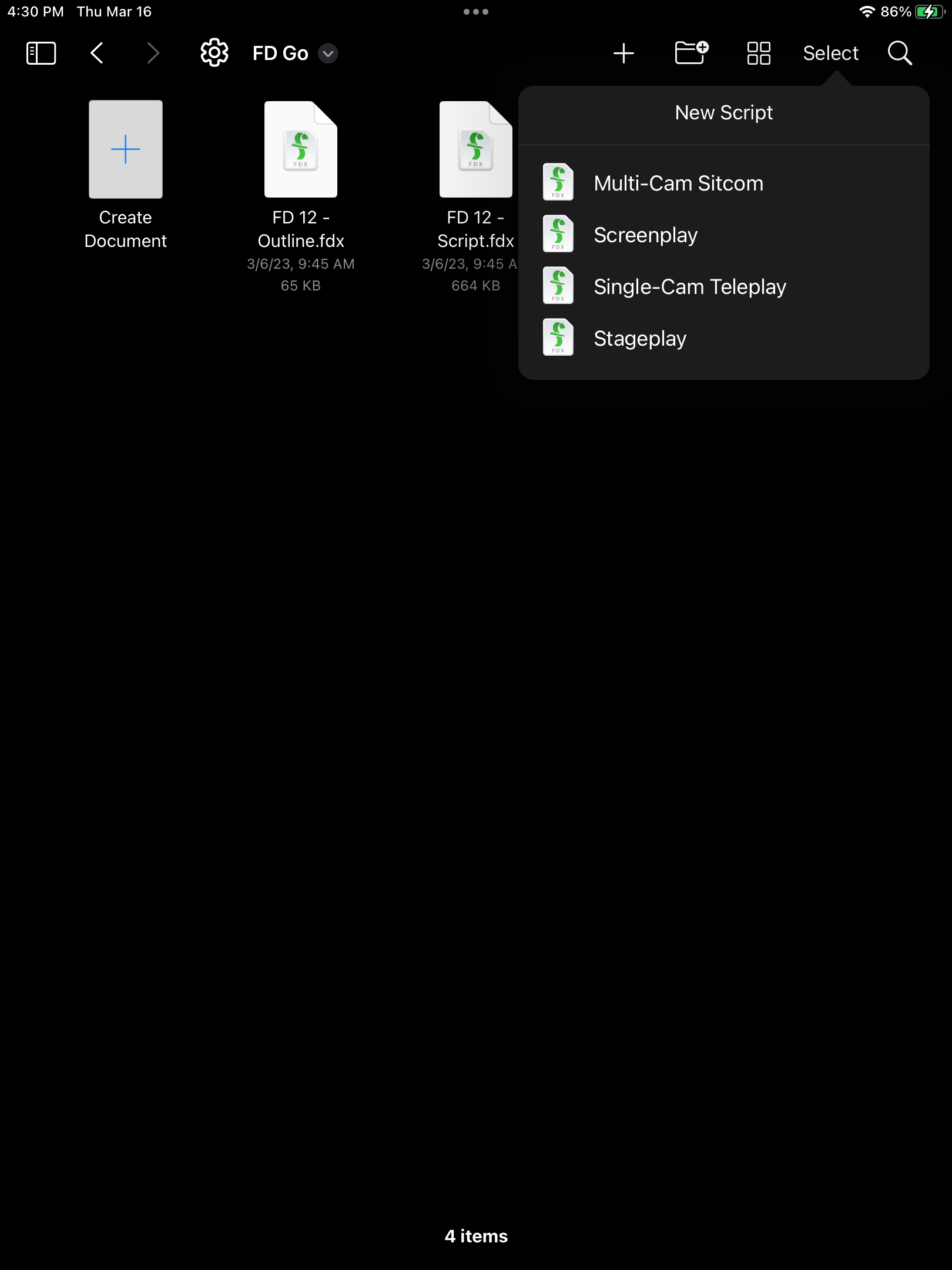
Through email:

  1. Open the iPad or iPhone Mail program;
  2. Touch the email with the script attached;
  3. Touch the script icon;
  4. Touch Open in FD Reader.

You can get your script into the Final Draft Reader through iTunes filesharing:

http://support.apple.com/kb/ht4094

Or through Dropbox:

  1. Open your Dropbox folder;
  2. Touch the script name on the left;
  3. Touch the Export icon at the upper right;
  4. The Open In... menu will open; touch FD Reader;
  5. The FD Reader launches automatically. Your script will be added to the Scripts screen and will open.

IMPORTANT: Only FDX files (ones created in Final Draft v.8) are openable in this application. It cannot open FDR (Final Draft v. 7 / 6 / 5), PDF, DOC, HTML, TXT, RTF or any other kind of file.

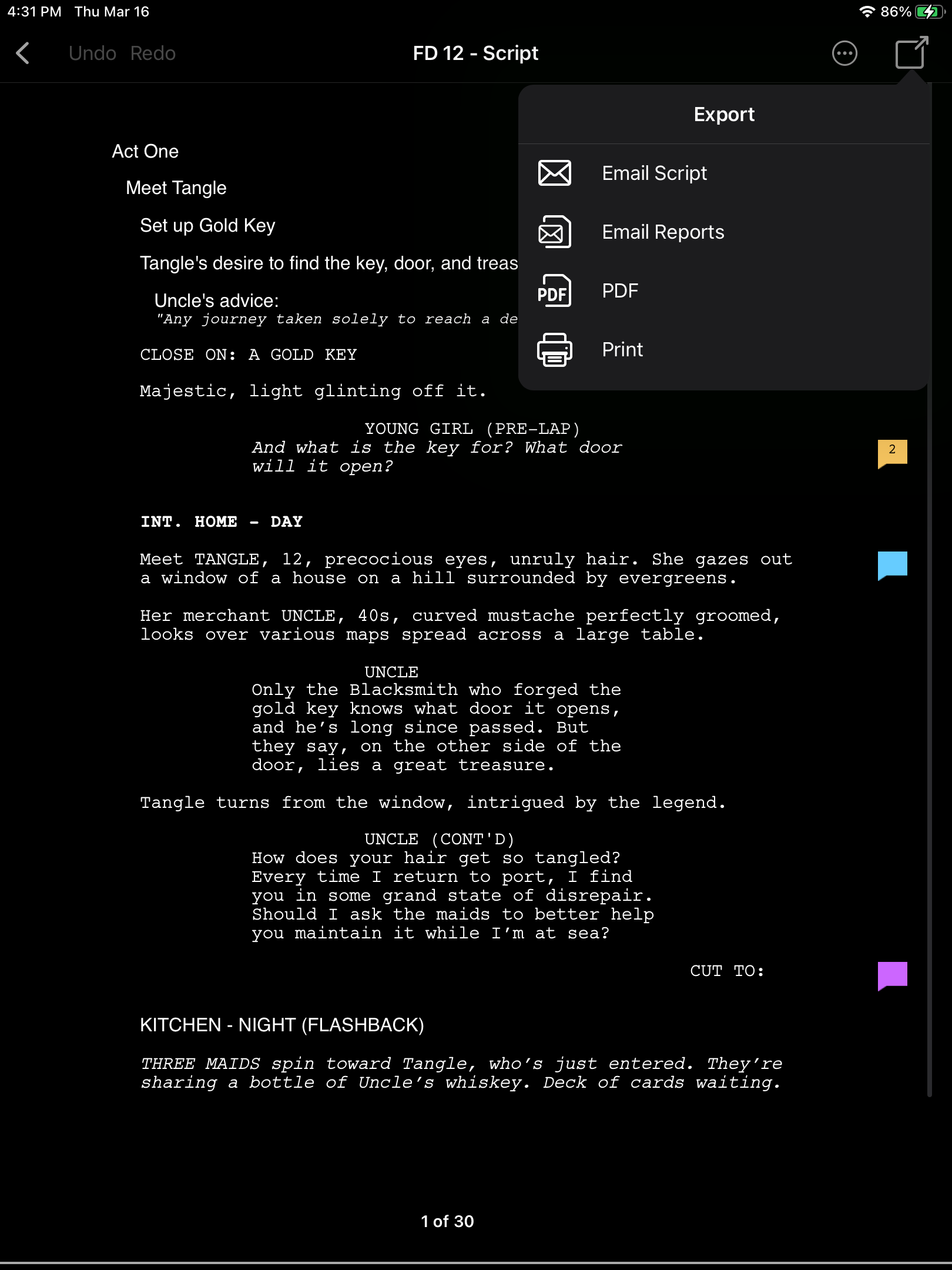
How do I email a script from the Final Draft Reader app on an iPad?
  1. If the program controls are not visible, toggle them on by touching the screen anywhere;
  2. Touch the Export button at the upper right;
  3. Touch Email Script. The Mail program will come up and your script will be attached to the new email message.

How do I add ScriptNotes to a script in the Final Draft Reader on an iPad?

Final Draft ScriptNotes created in v.8 will automatically appear in the script when it's opened in the Final Draft Reader app.

To open a ScriptNote, simply touch its icon and it will open to display the note. Touch and hold inside the ScriptNote to edit. To close the ScriptNote, touch the script anywhere outside the ScriptNote. The edits you've made will be saved automatically.

To add a new ScriptNote, touch and hold anywhere in the script and touch the Add a ScriptNote button. A new Scriptnote will open and the keyboard will appear, ready for you to add a note.

ScriptNotes edited or added to the file in the Reader app will be in the script when it's opened in Final Draft v.8.

To delete a ScriptNote, simply touch and hold the ScriptNote icon; touch the Delete button that appears.

Can I write or edit a script on the Final Draft Reader?

The Final Draft Reader app for iPad / iPhone is exactly that, a reader, intended for executives, agents, managers, production personnel or anyone who might not necessarily need to write or edit but require pagination that's 100% identical to Final Draft v.8's pagination (no other mobile app does this). It does give you the ability to create and edit ScriptNotes® in the same way you would on the desktop application.

The Final Draft Writer app for iPad is a separate product (available from the App Store) that does allow you to write and edit new or existing scripts.

How is the Final Draft Reader different from other screenplay applications?

Only the Final Draft Reader for iPad / iPhone is able to match completely the output generated by the desktop version of Final Draft -- every page break, every A page, revised pages, title pages and more. You get on the Final Draft Reader exactly what you get on Final Draft v.8, for Mac or Windows.

The Final Draft Reader also gives you the ability to view and edit ScriptNotes made in the desktop application (v.8), and ScriptNotes created or edited in the iPad application can be viewed and edited in v.8.

The Final Draft Writer app for iPad is a separate product, available from the App Store, that does allow you to write and edit new or existing scripts.

* AirPrint is a component of Apple iOS, version 4.2 or later,
for printing via Wi-Fi directly to AirPrint compatible printers.

Requirements: Compatible with iPad. Requires iOS 5.0 or later.

Get Notified About New Releases

 
Get Help

FAQ

Email a Sales Specialist